

SNAPS
For what matters right now.
Tasks, reminders and ideas that can disappear once they have served their purpose.
Capture what matters today, organize every part of your life and keep forever only what truly matters.
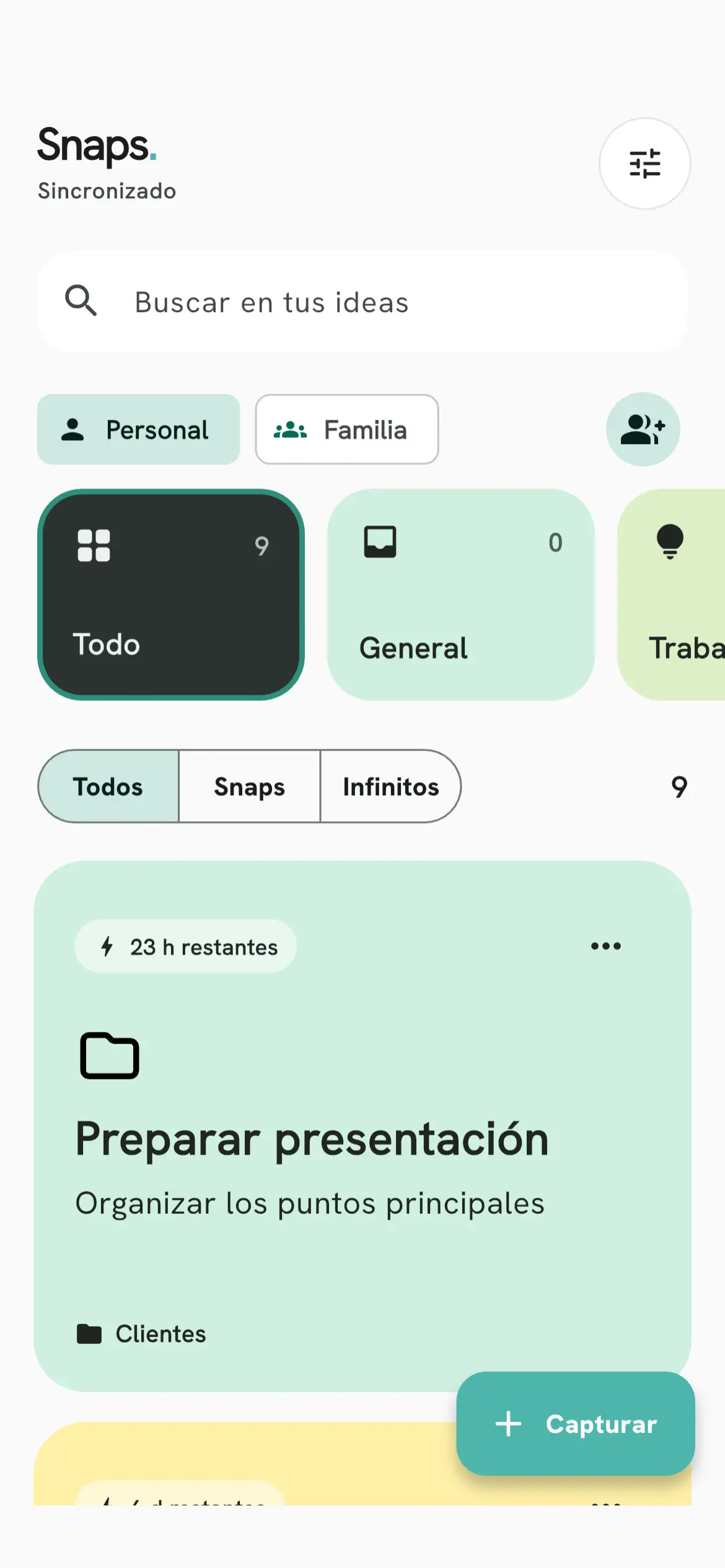
A tool that adapts to you
Tasks, reminders and ideas that can disappear once they have served their purpose.
Plans, references and notes worth keeping with no expiration date.
Group Snaps and Infinites by project, class, habit or any system that works for you.
Turn on a reminder so a Snap does not expire without you noticing. Available on iOS and Android.
Check your notes from the home screen of your iPhone or Android device.
Write headings, lists and task checkboxes, search within the context you need and pin what matters.
Choose colors, fonts and icons, and switch between light and dark mode. Some styles require Premium.
Organization can be shared
Invite friends, family or your organization. Everyone participates with clear permissions while the owner stays in control.
Owner, member or view only.
Share a secure code that expires automatically.
Up to 50 people per team with Premium.
Your results, also in Snaps
Connect an AI app that supports MCP and OAuth to read current notes and, if you allow it, save results as Snaps or Infinites in the spaces you authorize. In a team space, the owner decides whether AI is allowed, and the other members can see that one is connected. You can review and remove access at any time. Snaps does not include an AI model or run agents by itself.
SNAPS PREMIUM
Premium expands Snaps without changing what makes it simple.
See plans in the appYour space starts as yours
You do not need an account for personal features or Premium. We only ask for one when you want to sync or collaborate.
Frequently asked questions
A Snap is a temporary note: you choose how long it lasts and, when it expires, it stops being current and is deleted. To keep something with no expiration date, save it as an Infinite. You can also turn on a reminder before a Snap expires (iOS and Android).
Not to get started. You can use Snaps as a guest and your personal notes stay on that device. You need an account to sync, use teams with shared spaces and connect an AI app.
Only the current notes in the spaces you authorize when you connect it. By default it can read; if you allow it, it can also create Snaps and Infinites. It cannot edit or delete notes or manage teams. In a team space, only if the team owner allowed AI there, and the other members can see that an AI is connected. You can review and revoke access on the My connections page.
No. Snaps does not include a model or run agents by itself. You connect an AI app that supports MCP and OAuth that you already use, and Snaps gives it access only to what you authorize.
On iPhone, iPad and Android devices, with home screen widgets on iOS and Android. Windows and macOS versions are not distributed yet.
Yes, you can download it for free and use the personal features without signing up. Premium raises the limits, for example up to 50 people per team, 5 teams you own and Snaps lasting up to 1 year. Your store shows the available offers and terms before you confirm a purchase.
Start with one idea
Download Snaps for free. No mandatory registration.